
Shell integration
A shell that marks its prompts (OSC 133) gets jumps between them with Ctrl+Shift+Up and Down (Cmd+Up and Down on macOS), Select Last Output, and a red bar beside each command that failed.
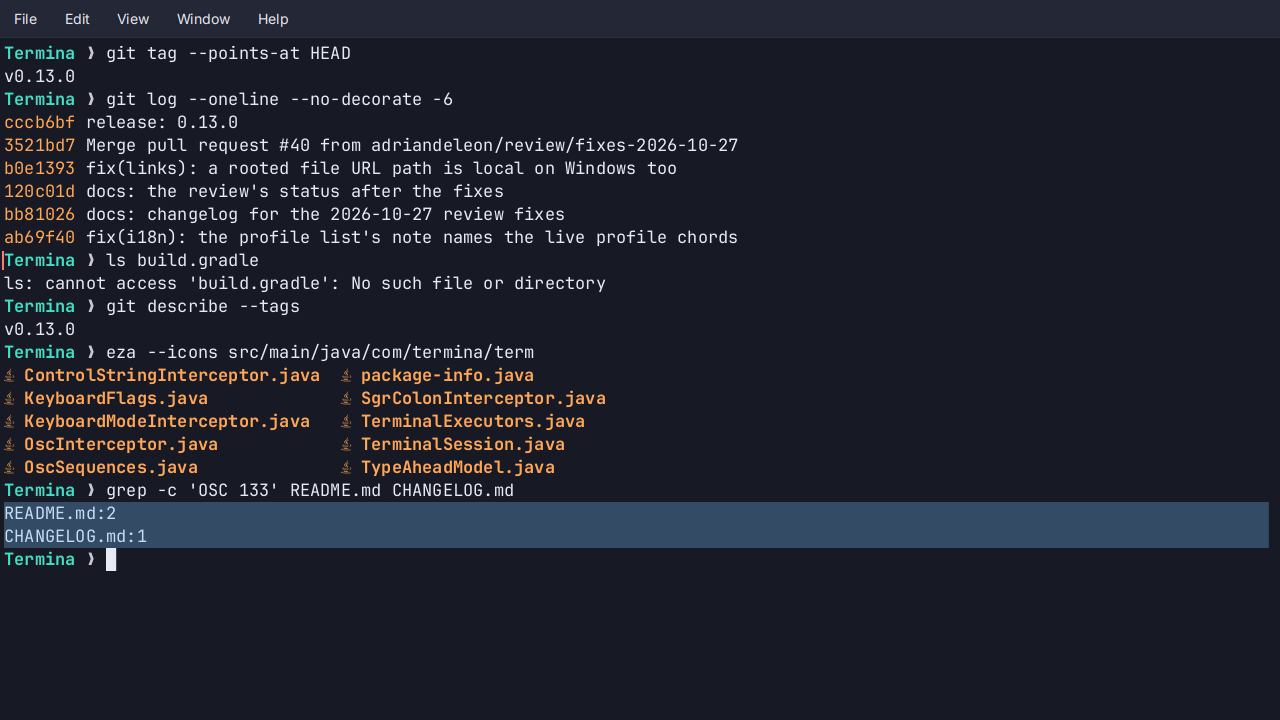
- Previous Prompt and Next Prompt scroll the pane so a prompt is at the top, and past the last one back to the live screen.
- Select Last Output selects everything the last command printed, ready to copy.
- Failed commands are marked with a short bar in the theme’s red beside their prompt. Commands that succeeded get nothing.
- A few lines to set up. Some shells and prompt frameworks send the marks already; for bash and zsh there are a few lines to add to
~/.bashrcor~/.zshrc. - Greyed until it works. Without marks the three commands are greyed, and the command palette says why.
- The marks stay on their prompts as output scrolls and when the pane is resized.
See Search and prompts.