
Themes and fonts
Editora Dark and Light, and macOS Terminal's Clear Dark and Clear Light decoded from Apple's own profiles. Import any scheme from iTerm2, Terminal, Windows Terminal, Ghostty, kitty or Alacritty, and give a profile a theme of its own.
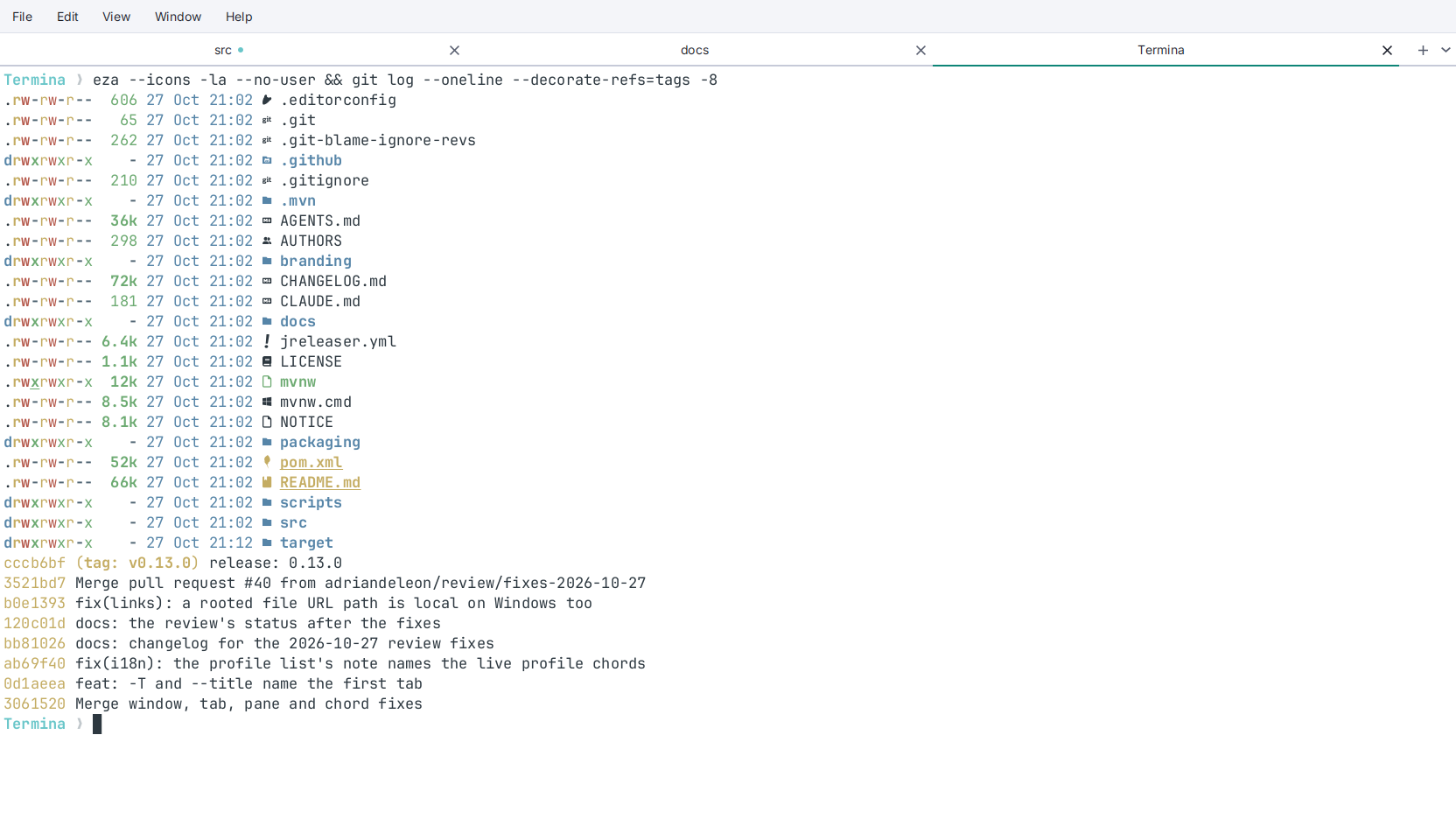
- Editora Dark and Light, “Caret & Ink” from Editora. The ANSI colors come from Editora’s syntax colors, so a shell’s
lscolors stay in the family of the editor’s code. On the light theme, ANSI white is drawn dark, so text a program writes in it stays readable. - Clear Dark and Clear Light, ported from macOS Terminal with the colors read out of Apple’s
.terminalprofiles. They are opaque here. Clear Light’s four low-contrast colors (white, bright yellow, bright cyan and bright white on white) are Apple’s, and kept on purpose. - Import a theme. Settings → Appearance → Import… reads an iTerm2
.itermcolors, a Terminal.terminalprofile, a Windows Terminal scheme or a wholesettings.json, and Ghostty, kitty and Alacritty themes, with the colors taken exactly as written. Each becomes a plain file in the settings folder, and Remove deletes it again. - A theme per profile. Settings → Profiles gives any profile its own theme, font and size, so an
sshto a server can look different from a local shell, and the pane keeps it through splits and moves. - Switched live, from Settings → Appearance or the palette (“theme”), in every window at once.
- Bundled fonts: JetBrains Mono (the default), Cascadia Code, Fira Code, IBM Plex Mono and Source Code Pro, then every monospace face the machine has, and Symbols Nerd Font Mono for icons.
- Zoom by
Ctrl+=andCtrl+-(Cmdon macOS), from 30% to 300% of the size you chose, which is kept. Also: cursor shape, padding, a visual bell, window opacity, and a scrollbar that takes its own column.
See Appearance.