
Shell profiles
Every shell the machine has, found rather than configured: zsh, bash, fish and the rest on macOS and Linux; PowerShell, Command Prompt, Git Bash and each WSL distribution on Windows. Ctrl+Shift+1…9 open them.
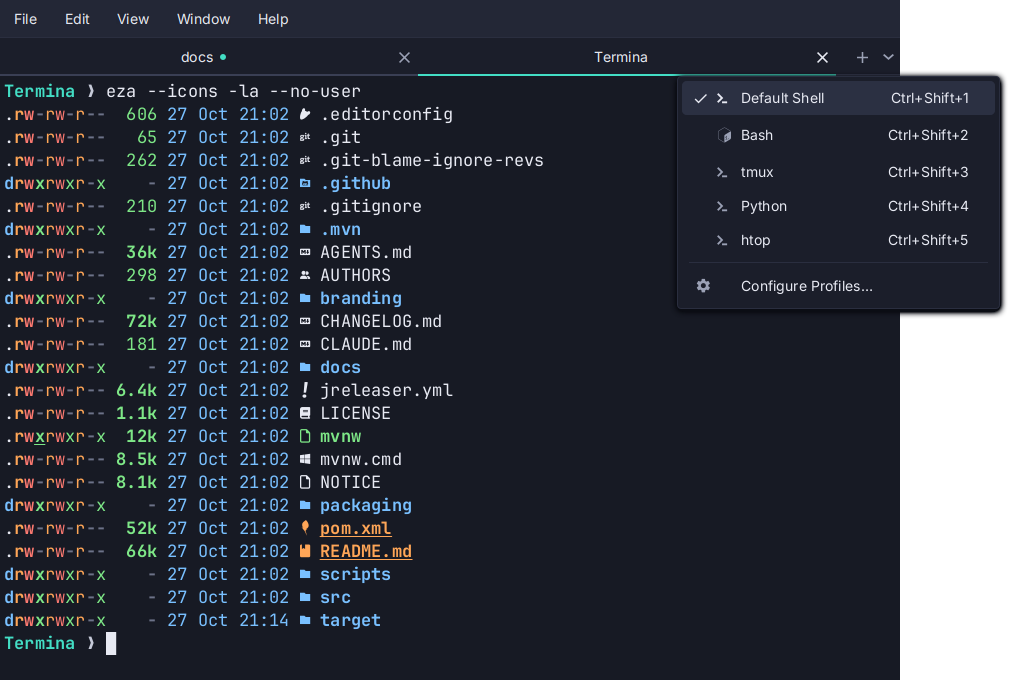
A profile is a name, a command and, optionally, a starting directory, and a tab can be opened as any of them.
- Found, not configured. On macOS and Linux, the shells in
/etc/shellsand on your path, one entry per shell, each started with the login flag it understands. On Windows, both PowerShells, Command Prompt, Git Bash and every WSL distribution. Uninstall a shell and it leaves the list. - Your own shell first, always, and it cannot be hidden. Anything else can.
- Profiles of your own, such as an
sshto a server or a shell in a directory you keep returning to, in Settings → Profiles or by hand insettings.properties. - Reached four ways: the chevron beside the
+, File → New Tab With, the command palette, andCtrl+Shift+1…Ctrl+Shift+9(Cmd+Option+1…9on macOS) for the first nine. - A default for new tabs, stored by id, so installing a shell never changes what
+opens. - A look of its own. Any profile, your own shell and the discovered ones included, can have its own font, size and theme, so an
sshto a server never looks like a local tab. Splits, duplicates, reopened tabs and moved panes keep it.
See Shell profiles.